

Table of Contents
If you are building a website for the first time, you have likely come across the term CMS. It gets thrown around constantly in conversations about web design, blogging platforms, and online business tools. But what exactly does it mean, and more importantly, how does it relate to your hosting plan? Understanding the relationship between CMS web hosting and the platform you choose can save you a great deal of time, money, and frustration down the line.
What Is a CMS?
A CMS, or Content Management System, is software that allows you to create, manage, and modify content on a website without needing to write code from scratch. Think of it as the control panel behind your website. Rather than building every page manually using HTML and CSS, a CMS gives you a user-friendly interface where you can publish blog posts, upload images, manage menus, and update pages with relative ease.
Before CMS platforms became widely available, building a website required a developer who understood programming languages. Today, even someone with no technical background can launch a fully functional website in a matter of hours, thanks to modern content management systems.
How Does a CMS Work?
At its core, a CMS stores your website content in a database and uses templates or themes to display that content to visitors. When someone visits your site, the CMS retrieves the relevant content from the database and presents it through the chosen design template. This separation of content and design makes it incredibly easy to update your site’s look without losing any of your written material.
The Most Popular CMS Platforms Available Today
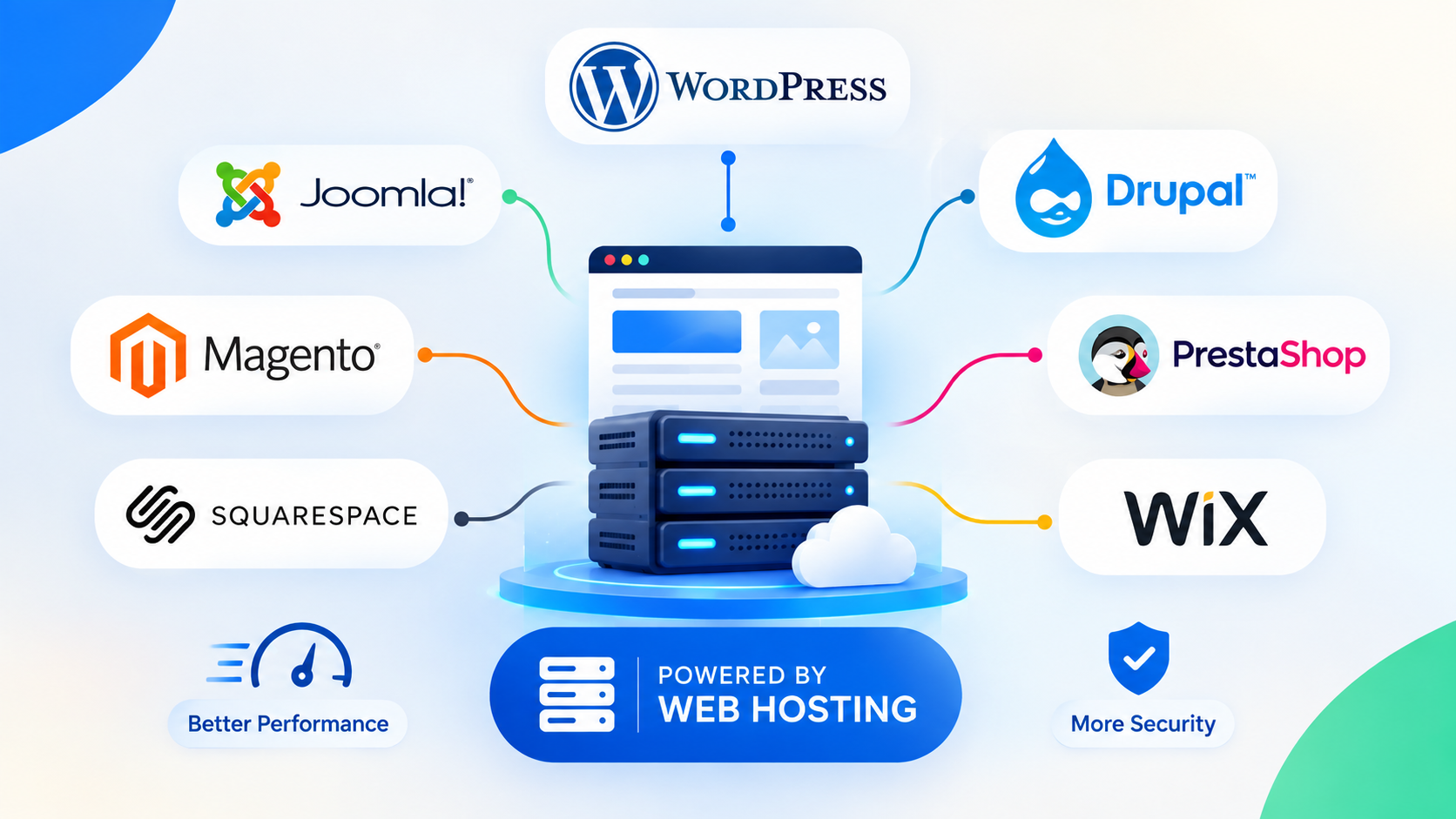
There are dozens of CMS platforms on the market, but a handful dominate the industry. Each has its own strengths, weaknesses, and hosting requirements.
WordPress
WordPress is by far the most widely used CMS in the world, powering over 40% of all websites on the internet. It is open-source, free to download, and supported by an enormous community of developers and designers. With thousands of themes and plugins available, WordPress can be adapted for almost any type of website, from personal blogs to large e-commerce stores.
WordPress works best with hosting providers that offer PHP support and MySQL databases. Most shared hosting plans are compatible, but for larger sites, a managed WordPress hosting plan will deliver significantly better performance and security.
Joomla
Joomla is another open-source CMS that offers more built-in functionality than WordPress out of the box. It is particularly popular for membership sites and community portals. However, it has a steeper learning curve and may require more technical knowledge to configure correctly.
In terms of CMS web hosting compatibility, Joomla has similar requirements to WordPress, needing PHP and MySQL. Most standard Linux hosting plans will support it without issue.
Drupal
Drupal is considered the most powerful of the three major open-source CMS platforms. It is highly flexible and can handle complex, high-traffic websites with ease. Government agencies, universities, and large enterprises often choose Drupal for its robust security features and scalability.
The trade-off is complexity. Drupal is not beginner-friendly, and you will likely need developer assistance to get the most out of it. Hosting requirements are similar to WordPress and Joomla, though Drupal benefits greatly from higher-performance hosting environments such as VPS or dedicated servers.
Shopify and WooCommerce
For e-commerce specifically, Shopify and WooCommerce are two of the leading options. Shopify is a hosted solution, meaning it handles all the technical aspects of hosting for you. WooCommerce, on the other hand, is a WordPress plugin that turns a standard WordPress site into a fully functional online shop. WooCommerce gives you more control but also more responsibility in terms of managing your hosting environment.
What to Look for in CMS Web Hosting
Choosing the right CMS is only half the battle. Your hosting environment plays an equally important role in how well your website performs. Here are the key factors to consider when evaluating CMS web hosting options.
Server Compatibility
Most popular CMS platforms require a Linux-based server running Apache or Nginx, along with PHP and MySQL or MariaDB. Before committing to a hosting provider, verify that your chosen CMS is fully supported. Many hosts now advertise one-click installations for WordPress, Joomla, and Drupal, which is a good indicator of compatibility.
Performance and Speed
A slow website damages both user experience and search engine rankings. Look for hosting plans that include SSD storage, content delivery network (CDN) support, and adequate RAM. For WordPress in particular, server-side caching can make a dramatic difference in page load times.
Security Features
CMS platforms are frequent targets for hackers, particularly WordPress due to its popularity. Your hosting provider should offer SSL certificates, automatic backups, malware scanning, and firewall protection. Some managed hosting plans include automatic CMS updates, which helps patch security vulnerabilities promptly.
Scalability
As your website grows, your hosting needs will change. Choose a provider that allows you to upgrade from shared hosting to VPS or dedicated hosting without requiring a full migration. This flexibility is essential for long-term growth.
Which CMS Works Best with Your Specific Host?
The honest answer is that most reputable hosting providers support all major CMS platforms. However, the quality of that support varies considerably. Some hosts have optimised their infrastructure specifically for WordPress, offering features like staging environments, automatic updates, and enhanced caching. Others take a more general approach that works adequately for any platform but excels at none.
If you are unsure which combination of CMS and hosting will suit your needs, it is worth consulting expert resources before making a decision. The team at DaManager’s blog offers practical guidance on web hosting, digital strategy, and site management that can help you make an informed choice.
Matching CMS Complexity to Your Hosting Plan
A simple blog or small business website running WordPress will perform perfectly well on a quality shared hosting plan. A complex Drupal installation serving thousands of daily visitors will need a VPS or dedicated server at minimum. Matching the demands of your CMS to the capabilities of your host is one of the most important decisions you will make during the website-building process.
Final Thoughts
A CMS is an essential tool for anyone looking to build and manage a website without relying entirely on a developer. Whether you choose WordPress for its flexibility, Joomla for its built-in features, or Drupal for its power, the key is ensuring your hosting environment is properly equipped to support it.
CMS web hosting is not a one-size-fits-all solution. Take the time to assess your website’s goals, expected traffic, and technical requirements before committing to a platform and host combination. Getting this right from the start will set your website up for long-term success and spare you costly migrations further down the road.




